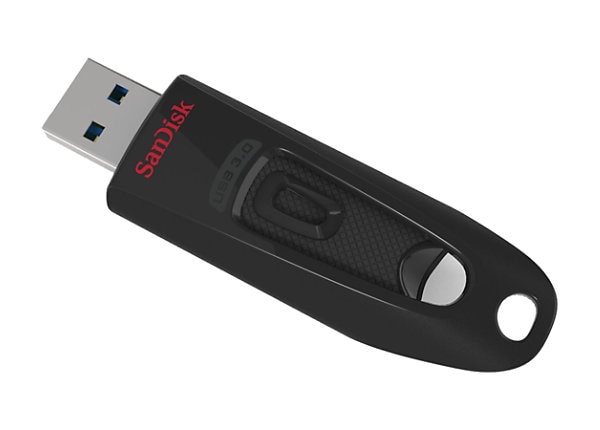
The Truth About USB Standards: Debunking Common Misconceptions
When it comes to USB standards, there are many misconceptions that can lead to confusion and frustration for users. One common myth is that all USB cables and ports can support the same speeds regardless of their type. In reality, the various USB standards—including USB 2.0, USB 3.0, USB 3.1, and USB4—offer significantly different data transfer rates. For example, USB 2.0 can reach speeds up to 480 Mbps, while USB 3.0 boosts this to 5 Gbps. Understanding these differences is crucial for optimizing your devices and ensuring that you are using the correct cables for your needs.
Another prevalent misconception is that older USB devices become obsolete with the introduction of new standards. In truth, most USB standards maintain backward compatibility, meaning you can often use a USB 2.0 device with a USB 3.0 port. However, using a legacy device with a newer port may not provide the improved speed benefits. To ensure you’re making the most of your technology, it’s essential to stay informed about the specifications of both your devices and their associated USB standards.
If you're looking to expand your device connectivity, the Top 10 Powered USB Hubs offer a range of solutions for every need. These hubs ensure that your devices receive sufficient power while providing multiple ports for connectivity. Whether you require USB-A, USB-C, or a mix of both, these hubs can accommodate all your peripherals efficiently.
USB Charging Speeds: What You Need to Know and What You Might Get Wrong
In today's fast-paced world, USB charging speeds are more important than ever. Whether you're using a smartphone, tablet, or laptop, understanding how charging speeds work can significantly impact your user experience. Different USB standards, such as USB 2.0, USB 3.0, and the newer USB Power Delivery (USB PD), all play a role in determining how quickly your device can charge. For instance, USB 2.0 typically offers a standard charge of 2.5 watts, while USB 3.0 can provide up to 4.5 watts, and USB PD can go even higher, delivering up to 100 watts depending on the device and cable used. This variety means that using the right charger is crucial for maximizing charging efficiency.
Another common misconception about USB charging speeds is related to the quality and type of cables used. Not all USB cables are created equal, and using a low-quality or damaged cable can significantly hinder your device's charging speed. Additionally, many users believe that simply plugging their device into a high-watt charger will guarantee faster charging times, but this isn't always the case. To achieve optimal charging speeds, it's essential to use a compatible cable that meets the specifications of both your device and the charger. In essence, understanding these nuances can help you avoid potential pitfalls and better manage your device's charging performance.
Is Your USB Cable Making a Difference? Separating Fact from Fiction
When it comes to choosing a USB cable, many people often wonder, Is your USB cable making a difference? The truth is that not all USB cables are created equal. Different cables can significantly affect data transfer speeds and charging efficiency. For instance, a USB 2.0 cable typically supports data transfer speeds of up to 480 Mbps, while USB 3.0 cables can go as fast as 5 Gbps or even higher with USB 3.1. So, whether you’re connecting a smartphone to a computer or charging your latest tablet, using the right USB cable can optimize performance and ensure that your devices are running smoothly.
However, there's a lot of fiction surrounding the notion that expensive cables are always better. Many consumers fall prey to marketing claims that suggest higher-priced cables are necessary for optimal performance. In reality, the quality and specifications of the cable matter more than its price. Look for cables that meet the USB standards for your device, and always check for user reviews and ratings. In the end, understanding these differences can help you make an informed decision, ensuring your USB cable is not just a connector, but a vital component that can either enhance or hinder your technology experience.